Make the full kit easy to buy
Bring the essentials for one task, routine, or occasion into a ready-to-buy set. Shoppers can choose the complete solution without searching for every item separately.
DSers Bundle Mapping
Turn complementary products into one store offer. DSers Bundle Mapping connects each store variant to the supplier products and quantities it needs, so DSers can prepare the mapped components when a customer places an order.
Get Started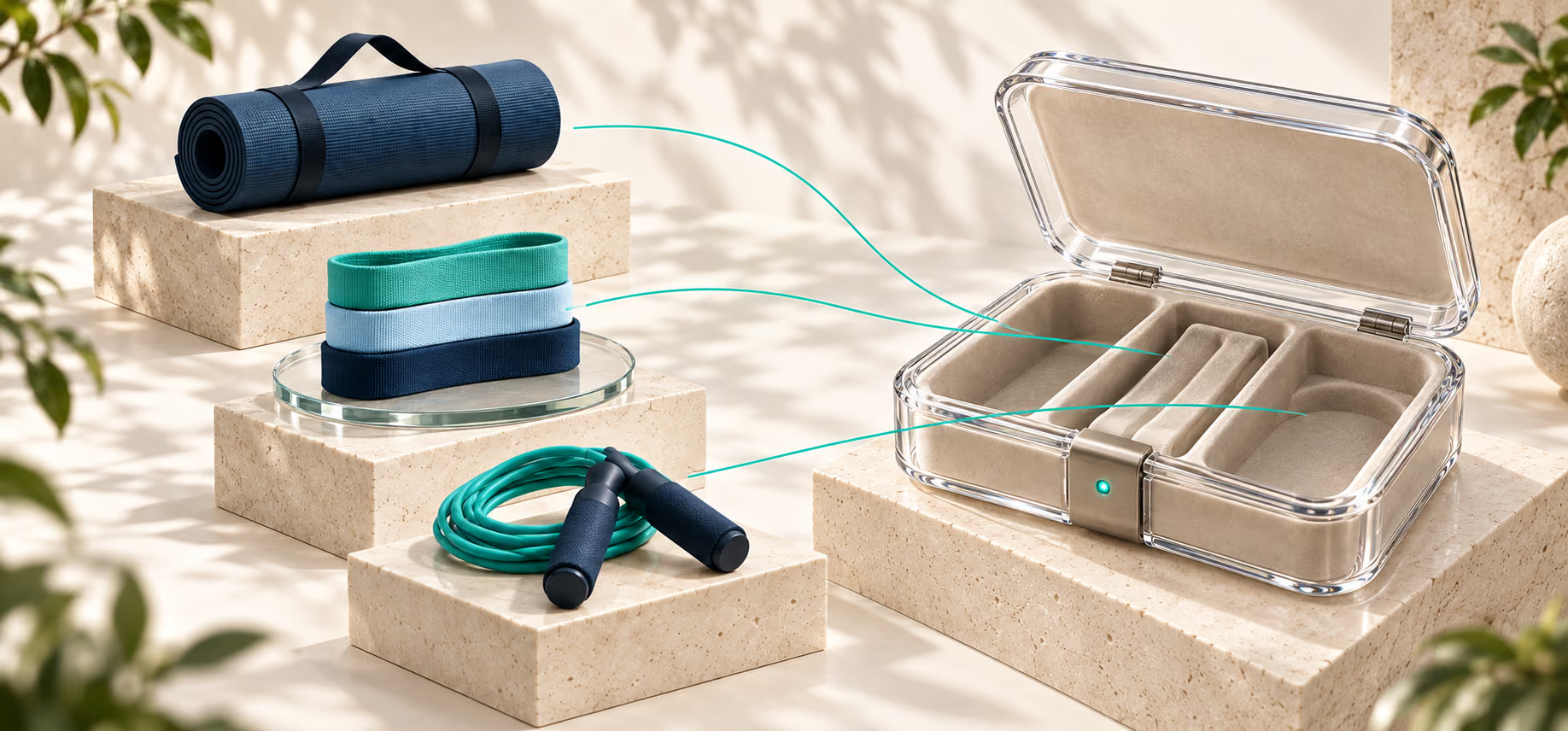
What a dropshipping bundle connects
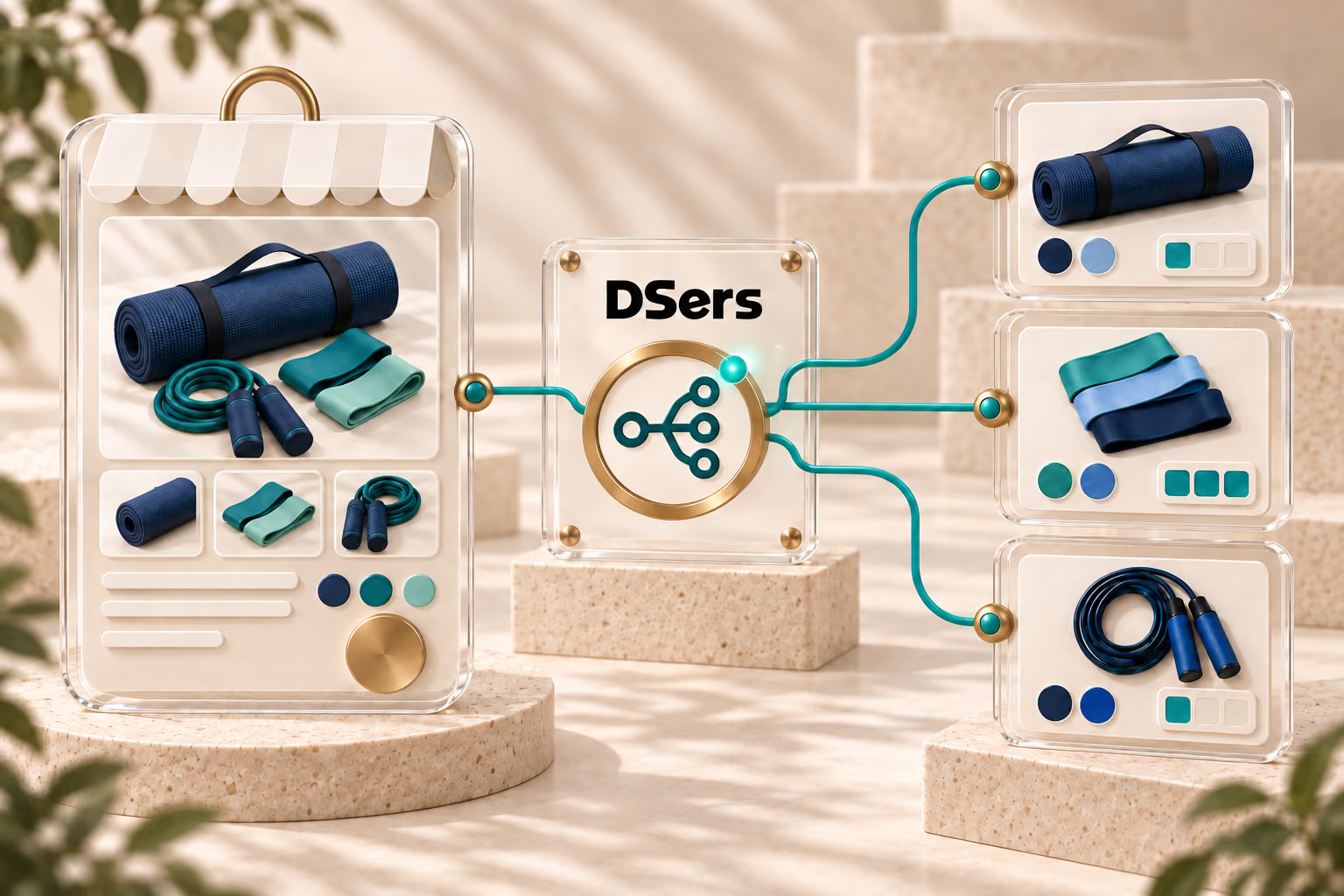
A dropshipping bundle combines two or more items into one customer-facing product or kit. An exercise mat, resistance bands, and jump rope can become a “Fitness Starter Kit”; a brush, toy, and wipes can become a pet-care set. Customers choose one store product, while Advanced Mapping connects each store variant to the supplier variants and quantities needed to fulfill the bundle.
Use Bundle Mapping when customers buy several products together as one set. Use BOGO Mapping for promotions where buying one product comes with another, such as “Buy X, Get Y.” In short, Bundle Mapping builds a kit; BOGO Mapping creates a promotion.
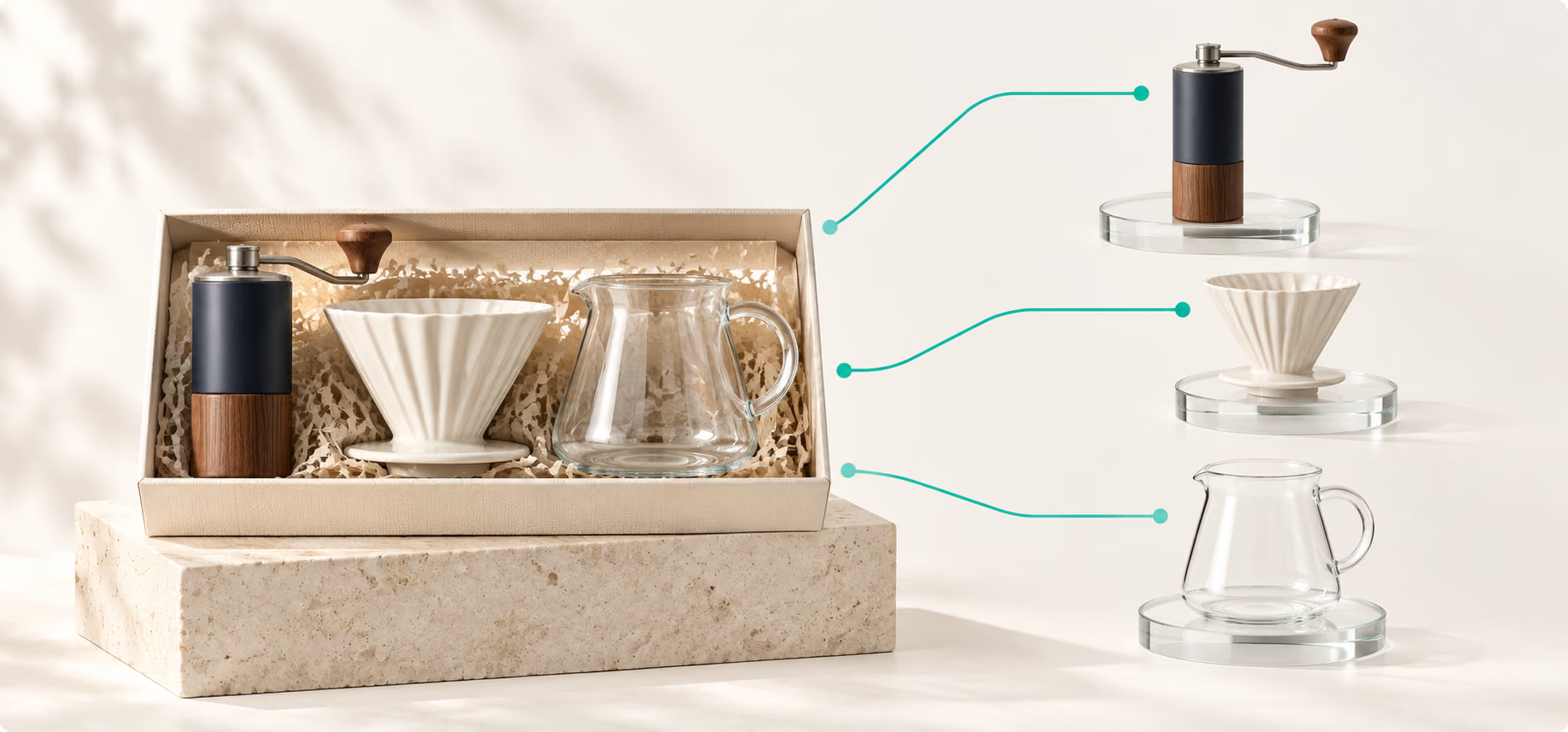
This illustration shows the relationship only; configure and review the actual supplier selections in DSers Advanced Mapping.
Bring the essentials for one task, routine, or occasion into a ready-to-buy set. Shoppers can choose the complete solution without searching for every item separately.
Offer several useful products through one store listing. A well-matched bundle can make the offer feel more valuable, while the result still depends on your product mix, pricing, and presentation.
Combine complementary items from different listings or suppliers into a kit built around a specific customer need, giving your store an offer that is more than another standalone product.
Manual reference vs. saved mapping
You can merchandise a kit on your storefront, but you still need a reliable record of which supplier products, variants, and quantities belong in each order. As your catalog grows, relying on a separate reference creates more opportunities for fulfillment mistakes.
One store variant can be mapped to multiple supplier products. DSers uses the saved product, variant, and quantity relationships to prepare separate lines in Open Orders for review, so you do not have to reconstruct the bundle from notes.
Bundle Mapping associates supplier components with a store product; it does not rewrite storefront images, descriptions, or prices. You still decide how to present and price the bundle.
Bundle ideas that make sense

Give first-time buyers the essentials for a new routine, hobby, or setup in one ready-to-buy set.
Pair a main product with the accessories that make it more useful or convenient to own.
Bring together products that suit the same season, celebration, or shared interest.
Combine complementary items from different suppliers when the complete set is not available in one listing.
Start with one clear customer need. Then choose compatible variants, dependable suppliers, and a price that makes sense for the complete set. If items may ship separately, explain that clearly on the product page.
How bundle mapping works
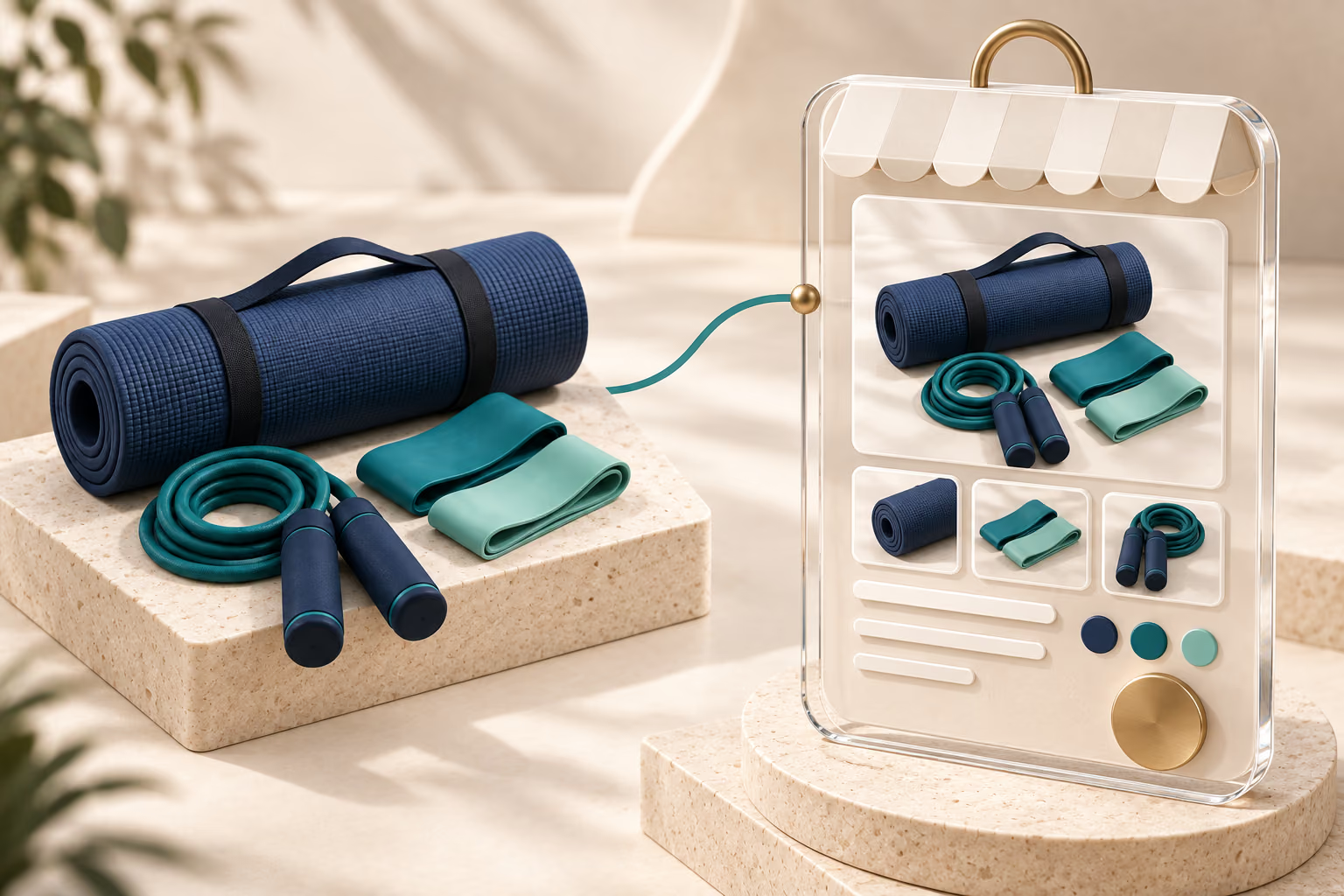
Start with the product your customers will see. Add its images, options, description, and price in your online store. Once it appears in DSers, find it in My Products and open Mapping > Advanced Mapping.
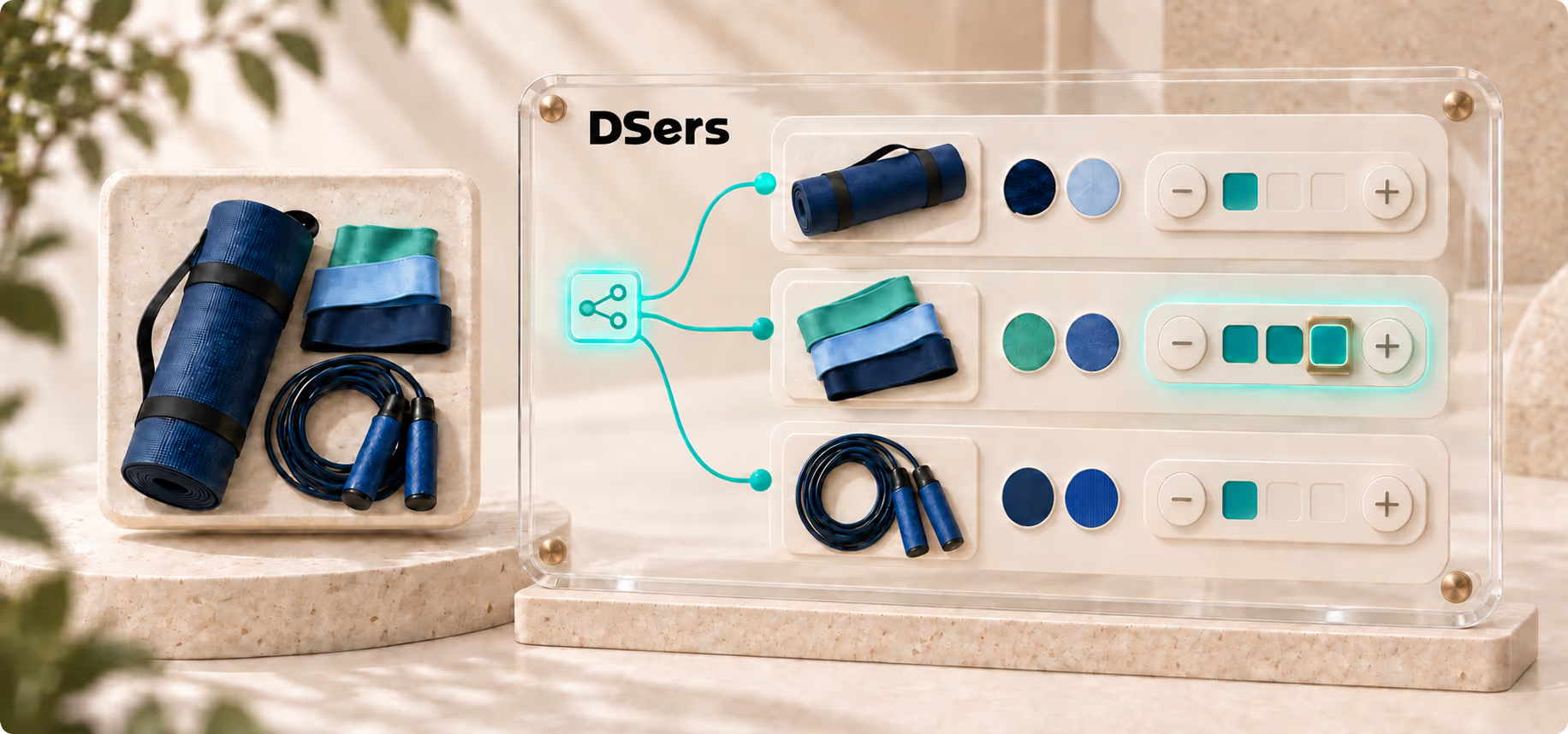
Choose the supplier variant for each product in the bundle, then enter how many units the store offer should include. Add another line for every additional component.
Save and confirm Advanced Mapping. Your store product is now connected to the selected supplier products and quantities, so DSers can prepare those components in Open Orders when the bundle is ordered.
Create the bundle customers see, map the supplier products and quantities behind it, and review the prepared components in Open Orders.
A dropshipping bundle combines two or more related items into one customer-facing kit. DSers Bundle Mapping connects the store variant to the supplier products and quantities you configure through Advanced Mapping.
Yes. One store product can be mapped to components from different supplier products. When a customer orders it, DSers prepares the mapped items for review in Open Orders.
Bundle Mapping creates a multi-item kit. BOGO Mapping supports promotions such as Buy X, Get Y. Both use Advanced Mapping, but the customer offer and quantity setup are different.
Not necessarily. Components remain associated with their supplier products and may be fulfilled or delivered separately. Sellers should set clear delivery expectations on the storefront.
Not for every bundle. Automatic inventory sync applies only when Advanced Bundle Mapping has a 1:1 relationship with one supplier product and a quantity of one. Bundle Advanced Mapping does not support manual price sync, so verify the inventory behavior and manage the storefront price directly.